DropShield · brought to you by Firebrand
Run safer jobs.
Eliminate paperwork.
Prove everything.
DropShield connects safety, inspections, equipment, fleet, work orders, jobsites, labor, and compliance into one mobile platform built for specialty contractors.
What it delivers
Six things your crew stops doing on paper
QR equipment inspections
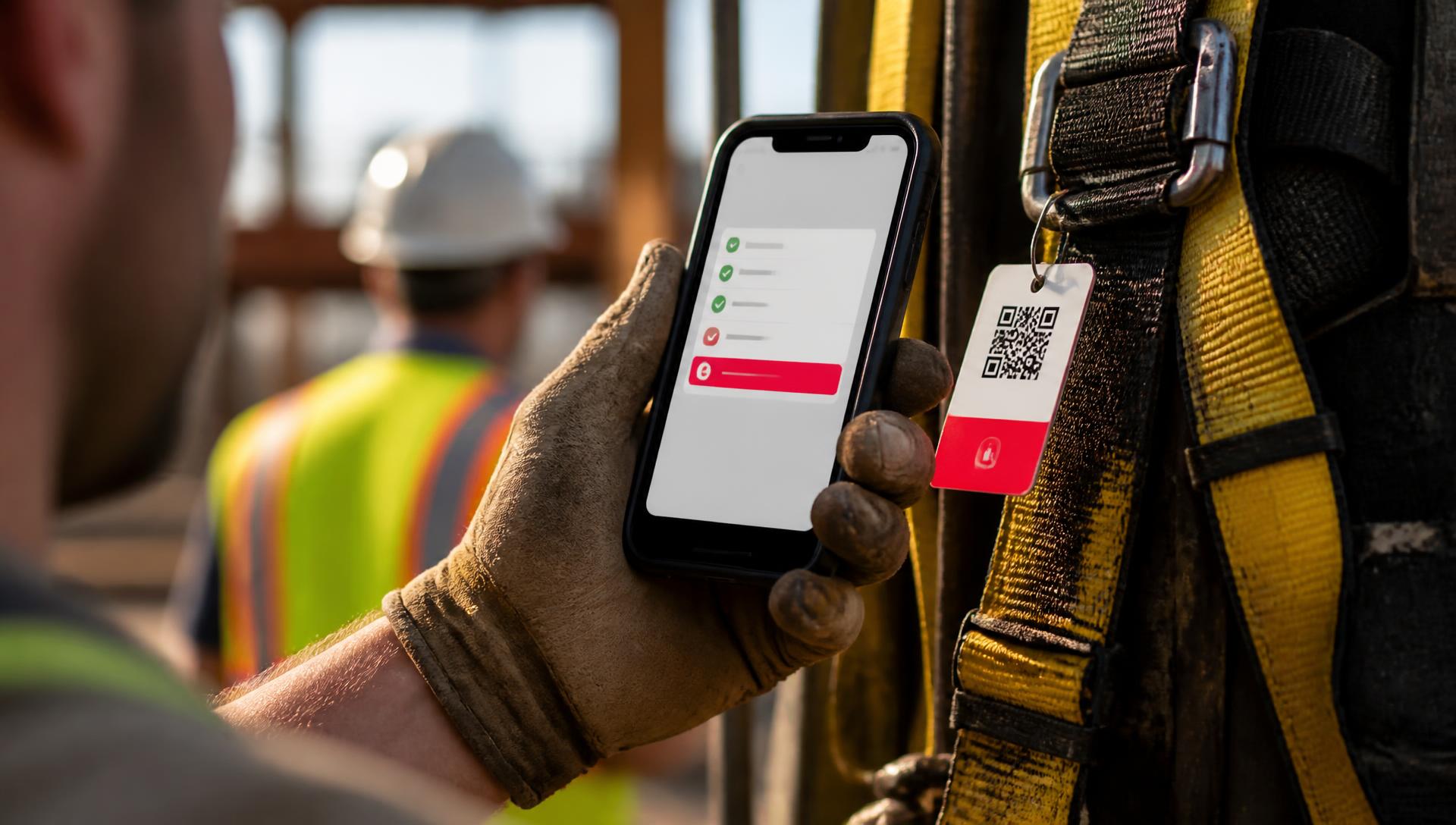
Scan a harness, ladder, or lift. A guided ANSI/OSHA checklist opens with its full history. Failures auto red-tag the asset.
Fleet DVIRs
Pre- and post-trip inspections against FMCSA §396.11. Defects open a repair order before the truck leaves the yard.
Certs & training
Every worker's cert stack tracked with expiration alerts. Expired certs block assignment automatically.
Work orders → invoice
Labor, materials, receipts, and photos land on the work order in the field. Convert to an invoice from the truck.
Incidents & OSHA records
One photo starts an incident report. OSHA 300/301, JHAs, CAPAs, and audit trails stay export-ready.
Bilingual toolbox talks
AI-generated talks from your OSHA library in EN/ES. Attendees sign on the phone; it's stamped to the jobsite.
The problems we solve
WHAT'S QUIETLY COSTING YOUR COMPANY MONEY EVERY SINGLE DAY > AND HOW WE SOLVE IT
Specialty contractors don't lose money on big catastrophes. They lose it on hundreds of small disconnects nobody catches until it's too late.
Equipment that should have been removed from service
OSHA fines · injury exposure · litigation risk
DropShield: Failed inspections auto red-tag the asset, generate a corrective action, and block reassignment until it's fixed.
Inspections done on paper — then lost
No audit trail · re-work · failed audits
DropShield: Every inspection is stamped to the asset, worker, jobsite, and work order the moment it's completed.
Vehicle breakdowns you didn't see coming
Downtime · missed jobs · emergency tow bills
DropShield: Pre-trip and post-trip DVIRs surface defects daily — repair orders open before the truck leaves the yard.
Missing receipts and untracked job costs
Margin evaporates · unbillable spend
DropShield: Photograph a receipt on site and assign it to a jobsite and work order — it lands on the invoice, not a shoebox.
Labor hours disconnected from the actual work
Payroll disputes · unbillable time · no productivity data
DropShield: QR clock-in ties every hour to a jobsite, crew, and the work orders being performed.
Expired certifications no one caught
Uninsured workers on site · compliance failures
DropShield: Every worker's cert stack is tracked with expiration alerts — expired certs block assignment automatically.
Rental equipment chaos and lost tools
Duplicate rentals · late fees · unrecoverable assets
DropShield: Every asset, owned or rented, is QR-tagged — one scan shows location, assignee, cost, and return date.
OSHA documentation you can't produce fast
Failed audits · lost EMR discounts · higher premiums
DropShield: OSHA 300/301, JHAs, toolbox talks, incidents, and CAPAs stay export-ready, every event linked to a jobsite.
Built for the phone in your pocket
The whole operation, one thumb away
The DropShield dashboard puts the day's next action, quick actions, time, fleet, jobsites, and equipment health on one screen — and every field task is a tap or a scan away.
Welcome back, Austin
Equipment, fleet & jobsites — at a glance.
Next up
Clock in at Maple St. re-roof
Crew of 4 · 7:00 AM · 2 open work orders
Clock inQuick actions
Add New Equipment
Register an item to track
Start Equipment Inspection
Pick equipment to inspect
Start Work Order
From your assigned work orders
Report an Injury
Files an OSHA 301 record
My time today
6h 42m
Maple St. re-roof · GPS verified
Certifications expiring soon
3- Competent Person – Fall12d left
- Forklift Operator21d left
- OSHA 3044d left
Fleet today
6
DVIRs done
1
Defect open
0
Out of service
Jobsites today
- Maple St. re-roof4 on site
- Riverside plant – tie-in2 on site
- Downtown parking deckNot started
Equipment status
142
Good
9
Due soon
2
Overdue
- Harnesses48
- SRLs & lanyards37
- Ladders22
- Anchors46
Customer billing record
WO-2291 · Rooftop anchor
Work order ready to bill
CompleteCustomer
Midwest Roofing Co.
Jobsite
Maple St. re-roof
PO
PO-4471
Amount
$927.00
Billable lines
- $290.00
Anchorage connector kit
Material2 ea × $145.00
- $637.00
Labor – 2 techs on site
Labor6.5 hr × $98.00
Equipment inspection
Scan QR / Barcode
Scan QR / Barcode
Full-body harness
In serviceFB-H-0417 · Sold by Firebrand · 6 prior inspections
ANSI Z359 checklist
3 of 4- Webbing — cuts, fraying, burns
- Stitching — pulled or broken
- D-rings & hardware — cracks, corrosion
- Labels present & legible
Run the day from the dashboard
Next action, crew time, fleet, jobsites, and equipment health on one screen.
Bill from the field
Complete a work order with labor, materials, photos, and a signature — send it to the customer from the truck.
Scan any asset QR
Guided ANSI/OSHA checklist, full history, and instant red-tag on failure.
One event, connected
Other software stores forms. DropShield connects them.
One failed inspection triggers real actions across equipment, corrective actions, work orders, supervisors, and compliance — automatically.
- Step 1 · Scan
Crew scans a ladder's QR tag
Guided checklist opens. A bent rung and missing shoe pad are flagged with a photo.
- Step 2 · Red-tag
Asset goes out of service — instantly
Reassignment is blocked platform-wide. A corrective action is created and assigned.
- Step 3 · Fix
Work order and replacement dispatched
Parts, labor, and vendor pre-filled. Supervisor notified. Audit trail written. Zero paper.
Three steps. Zero manual handoffs. One connected record.
A day with DropShield
One crew. One jobsite. Clock-in to invoice.
Every action stamped to a person, a place, and a piece of work.
- 6:42 AM
Crew QR clocks into the jobsite
GPS geofence confirmed, time-on-site starts, and job-cost accrual begins for every worker — EN/ES.
- 6:55 AM
Vehicle DVIR completed
Pre-trip cleared against FMCSA §396.11. Any defect auto-opens a mechanic work order.
- 7:05 AM
Toolbox talk delivered
Talk pulled from your OSHA library, delivered in EN/ES, every attendee signs on the phone.
- 7:20 AM
Equipment inspection — QR scan
One scan opens the guided ANSI checklist for that exact harness, lift, or tool, with full history.
- 7:24 AM
Failed gear auto red-tagged
Cut lanyard found. Asset quarantined, CAPA created, replacement requested. No chance of reuse.
- 12:15 PM
Receipts captured on site
One photo. Vendor, amount, tax, and category read automatically and pinned to the work order.
- 1:05 PM
Near-miss documented
One photo starts the incident report — witness statements, body map, CAPAs, and OSHA 300.
- 2:40 PM
Work order closed in the field
Labor, materials, receipts, and photos attached. Customer signs on glass. Office sees it instantly.
Built for specialty contractors
Why it lives at Firebrand
Gear and software from one partner
The harness Firebrand sells you gets QR-tagged, inspected, and red-tagged in DropShield when it fails. The boots we fit on site tie to the worker's record. The toolbox talks we publish get delivered and signed on the phone. Nobody else closes that loop.
- PPE arrives ready to tag and track
- Replacement gear requested from the failed-inspection record
- Firebrand toolbox talks delivered inside the app
- One relationship for supply, programs, and compliance
See it on your own jobsite
A 20-minute walkthrough on your phone — using your equipment, your crew, your workflow.